Key Fob Programming: A Guide for Common Makes
A practical walkthrough for Ford, GM, and Chrysler proximity systems — and the right keys to stock before you program.
Why programming guides are your first sales call
Most vehicle owners searching for "key fob programming instructions" are not trying to do the work themselves. They are trying to understand what they need to buy before they hand the job to a locksmith. If your site answers the question, you are the first supplier they see when they search for the part.
This guide covers the three proximity-system families that drive the most search volume in the North American market: Ford, GM, and Chrysler / Dodge / Jeep / Ram. It is written for working locksmiths, but it is also written so a customer can read it and understand why they need your help.
What "proximity" actually means
A proximity key (smart key, PEPS, passive-entry fob) does not need to be turned in a lock cylinder. It only needs to be inside the vehicle for the push-button start to work. The car recognizes the fob via low-frequency antennas and a rolling-code challenge.
Programming a new proximity fob is different from cutting a blade or cloning a transponder. You are teaching the vehicle to accept a new fob's ID, and in most cases you need:
- A compatible aftermarket or OE fob with the correct FCC ID and part number.
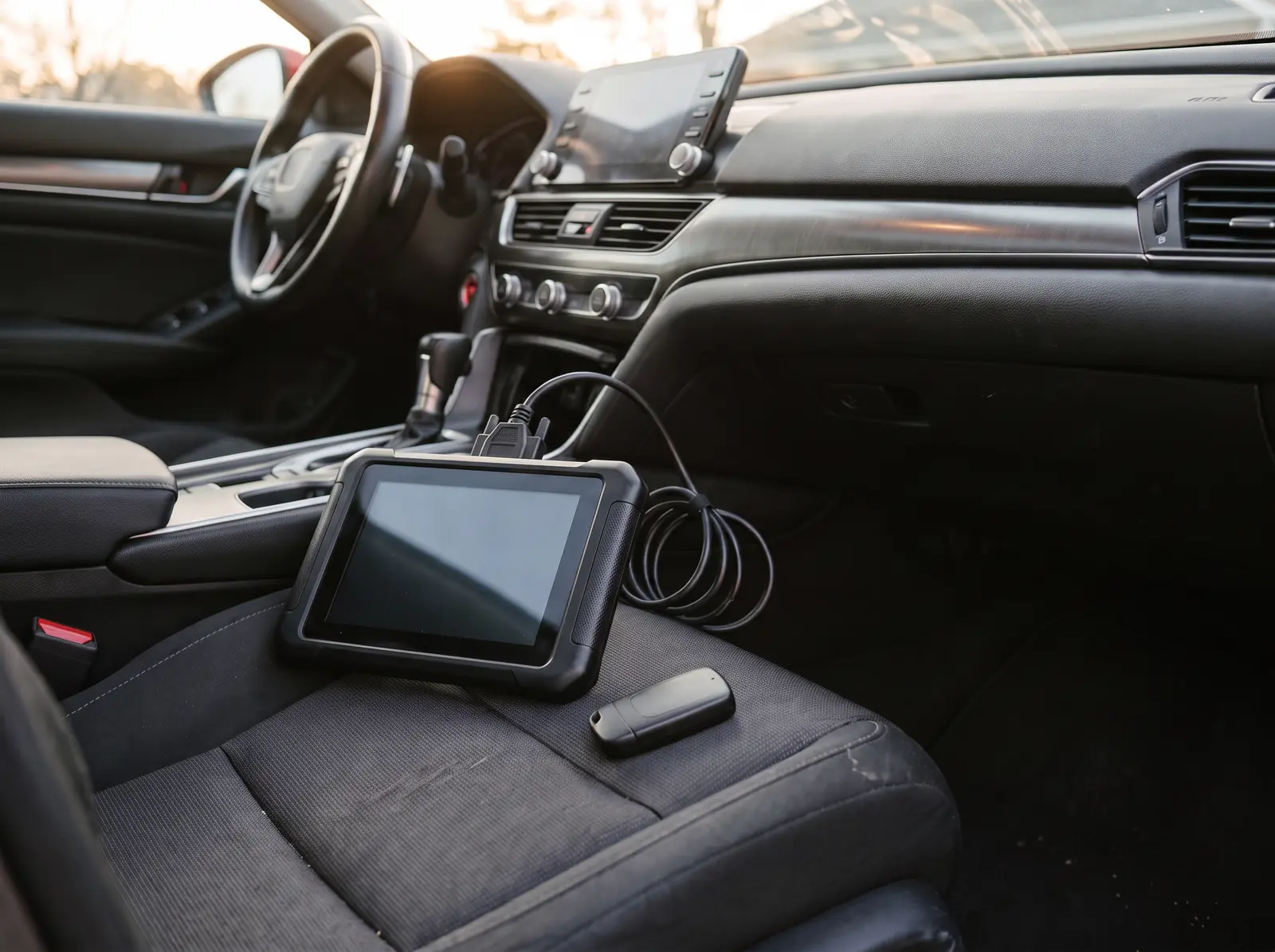
- A diagnostic programmer that supports the make/model (e.g., SmartPro, AutoProPAD, MVP, IM608, or dealer tools).
- One working key already registered to the vehicle, or a process to force a key learning event when all keys are lost.
Ford proximity programming (2015+ F-150, Mustang, Edge, Explorer, Bronco)
Ford uses the PEPS system on most 2015 and newer vehicles. The procedure is similar across the truck and SUV lines, with some model-year differences in the number of keys that can be stored.
Typical onboard procedure (one working key)
- Put the existing working fob in the center console or backup slot.
- Press the start button once to enter accessory mode.
- Press and hold the unlock button on the driver's door, then press and release the lock button three times within five seconds.
- Release the unlock button. The vehicle will sound the horn once to indicate programming mode.
- Place the new fob in the backup slot and press the start button. The horn will sound twice when the fob is learned.
- Repeat for additional fobs. Exit programming mode by pressing the start button or opening the door.
Note: Many 2020+ Ford models require the onboard procedure to be enabled with diagnostic software if the backup slot is not present. Always verify the exact year and trim.
Common Ford proximity fobs to stock
- F-150 / Super Duty (2015–2020): M3N-A2C931423, M3N-A2C93142600
- Mustang (2015–2023): M3N-A2C312433, M3N-A2C931423
- Edge / Explorer (2016–2024): M3N-A2C93142600, M3N-A2C93142300
Use the FCC ID search on the catalog to confirm the exact fob for the VIN.
GM proximity programming (Chevrolet, GMC, Buick, Cadillac)
GM uses Passive Entry Passive Start (PEPS) on most 2014+ models. The programming method depends on whether the vehicle has a standard or active system and whether the BCM has been updated with the latest software.
Typical onboard procedure (one working key)
- With all doors closed, press and hold the unlock button on the door.
- Insert the working key into the backup slot or place it in the center console pocket.
- Press the brake pedal and start button together to enter programming mode.
- Within 30 seconds, place the new fob in the backup slot and press the start button.
- The DIC will display "Remote Key Learned" or the door locks will cycle to confirm.
- Remove the fob and repeat for each additional fob.
All keys lost
All-keys-lost on GM proximity systems generally requires a diagnostic programmer that can read the GM SPS or MDI system. Some aftermarket tools can pull the PIN from the BCM, but many 2020+ models require dealer-level access or a subscription service.
Common GM proximity fobs to stock
- Silverado / Sierra (2014–2023): HYQ1EA, HYQ1AA
- Equinox / Traverse / Blazer (2018–2024): HYQ1EA, YG0G20TB01
- Camaro (2016–2024): HYQ1EA, HYQ1ES
Chrysler / Dodge / Jeep / Ram proximity programming
Stellantis (formerly FCA) has used the Keyless Enter-N-Go system since 2013. The procedure is more standardized than Ford or GM, but the system is also more sensitive to fob part numbers and firmware versions.
Typical onboard procedure (one working key)
- Place the working fob in the center console backup slot.
- Press the start button and quickly release it. Wait for the system to chime.
- Within 10 seconds, press and hold the unlock button on the working fob, then press the panic button once.
- Release both buttons. The door locks will cycle to indicate programming mode.
- Place the new fob in the backup slot and press the start button. The locks will cycle again when the fob is learned.
- Repeat for additional fobs. Remove the working fob to exit programming mode.
All keys lost
All-keys-lost on Stellantis proximity vehicles is one of the most common reasons a locksmith is called. Many 2018+ models require a 12+8 cable or OBD connection with a tool that supports Secure Gateway Module (SGM) bypass, such as the AutoProPAD G3 or SmartPro. The PIN can often be read from the BCM, but the procedure varies by model year.
Common Stellantis proximity fobs to stock
- Ram 1500 / 2500 (2013–2024): GQ4-54T, GQ4-76T
- Jeep Wrangler / Gladiator (2018–2024): M3N-40821302, OHT-4882056
- Dodge Charger / Challenger (2015–2023): M3N-40821302, OHT-4882056
- Chrysler Pacifica (2017–2024): M3N-97372900, M3N-40821302
When to use a programmer vs. onboard learning
| Situation | Recommended approach |
|---|---|
| One working key, common model | Onboard procedure first — fastest and no tool cost |
| All keys lost, pre-2018 domestic | Aftermarket programmer with PIN read |
| All keys lost, 2018+ with secure gateway | Programmer + SGM bypass or dealer account |
| Customer supplied fob from online | Verify FCC ID, part number, and frequency before attempting |
| Repeated programming failures | Check for existing maximum key count, then clear and relearn all fobs |
What to tell the customer
Customers searching for programming instructions usually ask three questions:
- Can I do this myself? Most proximity systems require a working key or a locksmith tool. The answer is usually "only if you already have one working key."
- How much does it cost? Programming labor varies by region, but the part cost is the part cost. Stock the right fob and quote confidently.
- How long does it take? With a working key and the right fob, 5–15 minutes. All-keys-lost can take 30–60 minutes depending on the secure gateway.
Stock smart before you program
The wrong fob is the single biggest reason programming fails. Before you quote a job, confirm:
- FCC ID matches the vehicle's receiver.
- Part number matches the trim level (entry, push-to-start, remote start, etc.).
- Frequency is correct (315 MHz vs. 433 MHz vs. 902 MHz).
- Battery type is in stock (CR2032, CR2450, etc.).
If you are not sure which fob to order, use the Find My Fob tool. Search by year, make, and model, or paste the FCC ID from the customer's old fob.
Need the fobs for these makes?
Car Key Source stocks proximity fobs, smart keys, and keyless-entry remotes for Ford, GM, and Stellantis vehicles. Every part is listed with FCC ID, part number, and frequency so you can verify fit before you buy. Browse the wholesale catalog or get an instant quote for your next order.
Fobs for the makes in this guide
The FCC IDs called out above, matched to what is on the shelf today. Confirm the code on the customer’s original before you order.
- Ford PEPS — 2017–2026 Explorer / Expedition, 5-button smart key (M3N-A2C931426)
- Ford PEPS — 2017–2020, 5-button smart key (M3N-A2C93142600)
- GM PEPS — 2015–2021 Suburban / Tahoe, 6-button smart key (HYQ1EA)
- GM PEPS — 2015–2020 GMC / Chevrolet, 6-button smart key (HYQ1AA)
- Stellantis — 2014–2022 Jeep / Dodge, 5-button smart key (M3N-40821302)
- Stellantis — 2014–2022 Jeep Cherokee, 5-button smart key (GQ4-54T)
- Ram — 2019–2025 Ram 1500, 5-button smart key (OHT-4882056)
Everything we hold for these platforms: Ford · Chevrolet · GMC · Jeep · Dodge · Chrysler.
About the author
Written by the working locksmiths behind the Car Key Source trade desk. Questions about a specific job? Email info@carkeysource.com.
Buying keys for a shop or van?
Trade pricing is for locksmiths and shops. One short form, free, no card. Most accounts are approved instantly.